Your name, logo and color
Clients see these when they sign in and throughout their web workspace.
White label, explained
From their first sign-in to the emails that help them get back to work, your client sees the identity you set for them.
One client, one identity
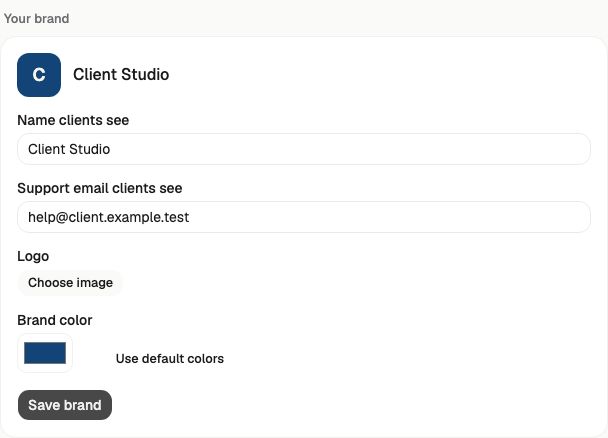
Set a different name and look for every client space. People join through a private invitation and only see the work you shared with their team.
What can be branded
Clients see these when they sign in and throughout their web workspace.
They visit an address you control. Syl checks that it belongs to you and secures it.
Account and task emails use your verified sender address. Replies go to the support address you choose.
Clients can save their branded website to a phone's home screen with their name and icon.
When you connect your own apps, clients see your app name and image during those connections.
Each invitation opens only that client's space. Your agency keeps control of billing and access.
Good to know
The native app in the app stores keeps the Syl name. On phones, clients can install their branded website to the home screen instead.
Google and Slack show your identity after you set up your own apps. An outside provider may still show its own connection page while a client connects an account.
Your clients do not see or manage the agency's billing. Their work stays in their assigned space.
How setup works